The app · home screen
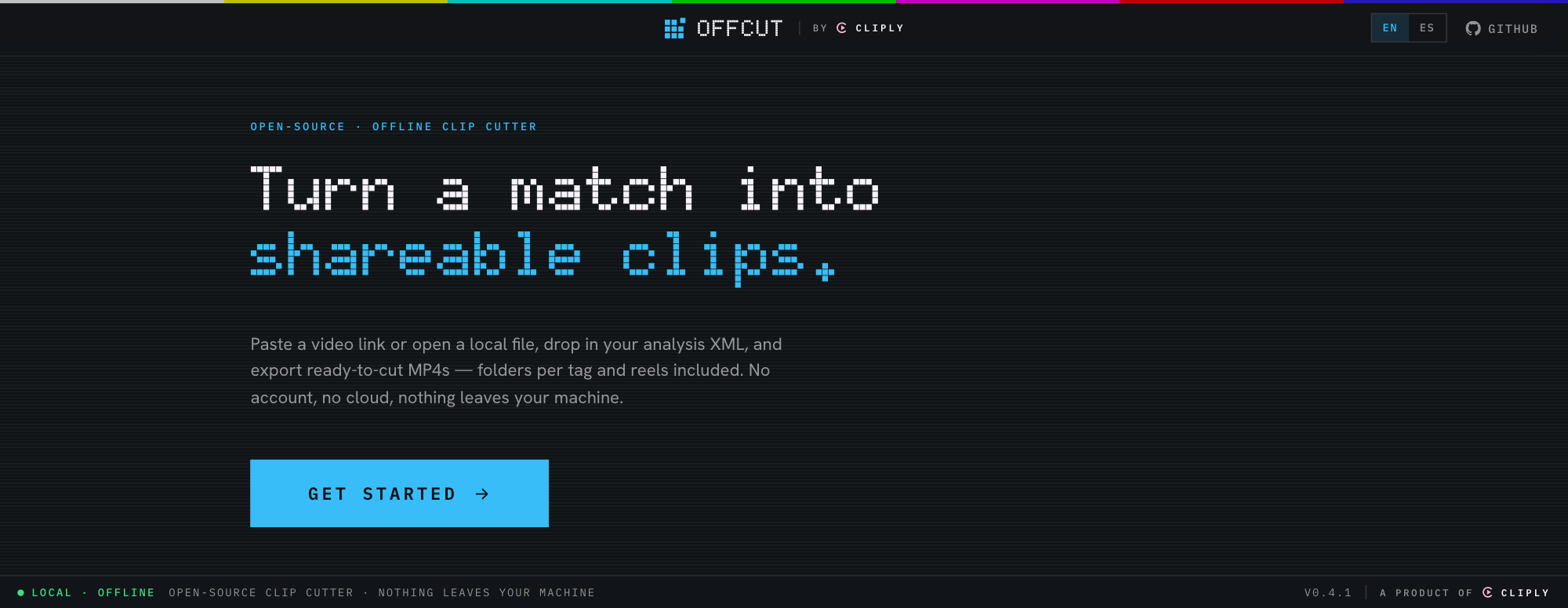
Open-source · 100% offline
Save a video from YouTube, cut a match into tagged clips from your SportsCode / Nacsport XML, join files, or convert formats — all with ffmpeg, right on your computer. No account, no cloud, nothing leaves your machine.
Each one works on its own — and they hand files to each other.
A YouTube link, video ID or direct URL, saved locally with yt-dlp.
SportsCode / Nacsport tags become colored clips. Export MP4s in per-tag folders, plus reels.
Stitch videos in the order you set. Files that match are joined instantly, with no re-encode.
MP4, MOV, MKV, WebM or audio only. Shrink to a target size, mute a video, or just change the container in seconds.
Everything runs on your machine. No sign-up, no upload, no telemetry.
Nothing leaves your computer. Works on the plane, on the bus, at the pitch.
Reads the colors and codes straight from your analysis XML.
One MP4 per clip in tidy per-tag folders, plus per-tag and combined reels.
Preview the full video, select exactly the clips you want, export.
Switch language any time. More welcome via pull request.
Apache-2.0. Powered by cliply's clip engine. Inspect it, fork it, ship it.
Fastest: install from Terminal. It grabs the latest release from GitHub, puts Offcut in Applications and opens it — no security prompt. Read the script ↗
curl -fsSL https://offcut.cliply.video/install.sh | sh
Using the .dmg instead? Offcut isn't notarized yet, so macOS blocks unsigned apps the first time. One-time fix:
Prefer Terminal? This clears the quarantine flag on any macOS version:
xattr -dr com.apple.quarantine "/Applications/Offcut.app"
Windows: on the SmartScreen prompt, click More info → Run anyway. On first launch the app downloads ffmpeg + yt-dlp from their official sources (checksum-verified).